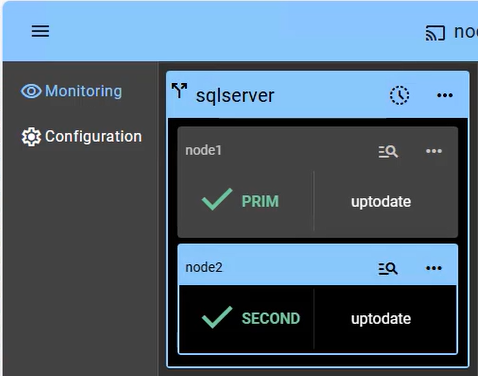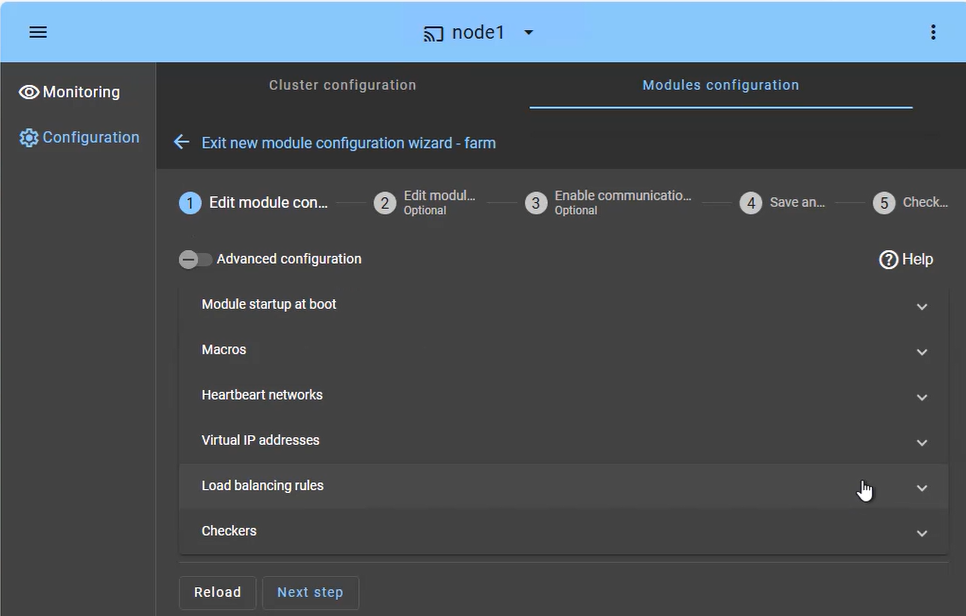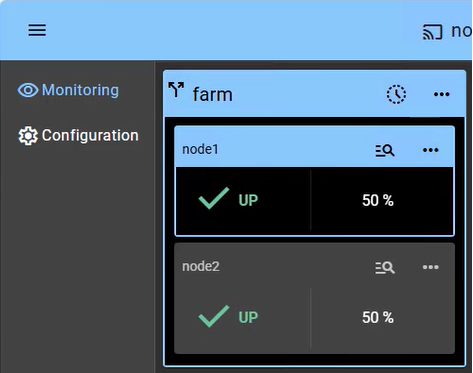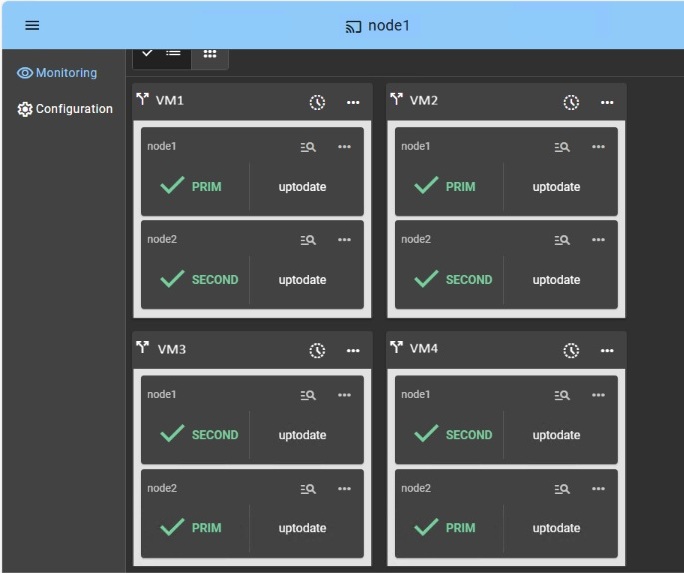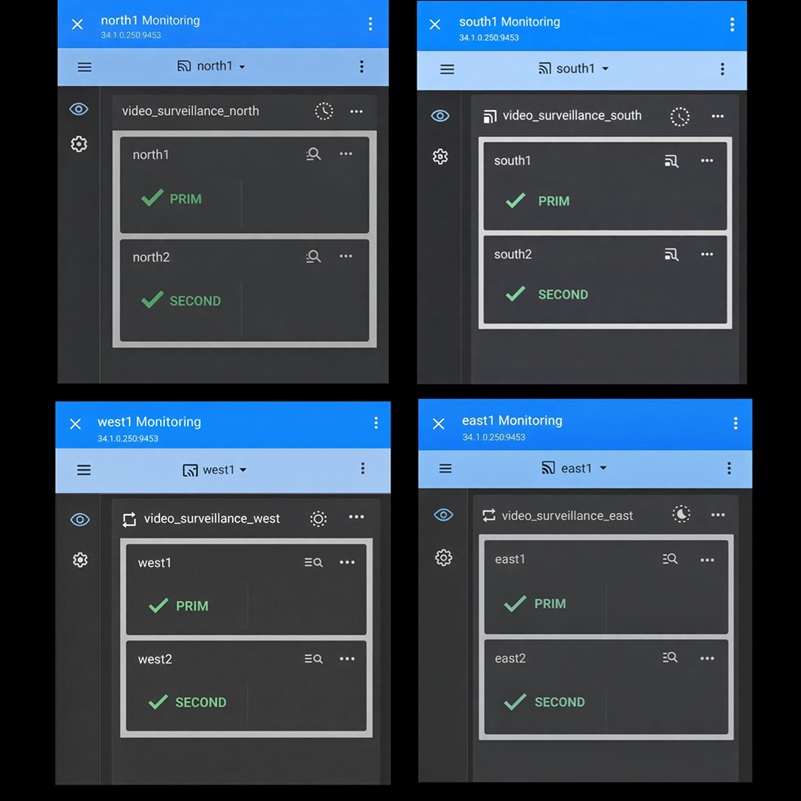


How to configure a SafeKit Mirror Cluster?
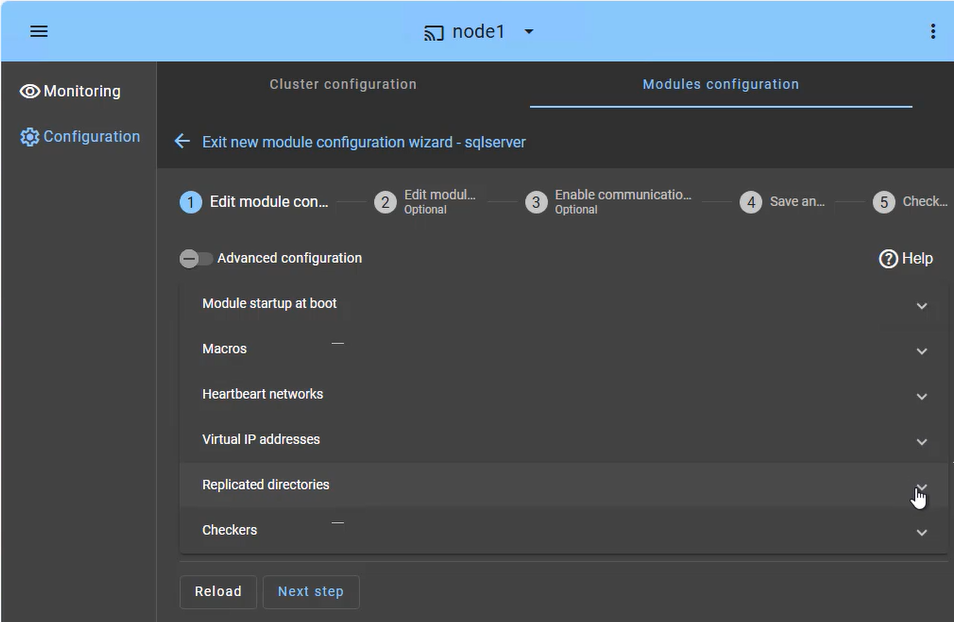
The SafeKit web console provides an intuitive interface to orchestrate high availability for your critical applications. In just a few steps, you can configure a SafeKit mirror cluster to ensure business continuity:
- Application Failover (Macros Tab): Define the specific application services to be automatically restarted in the event of a failure.
- Heartbeat network(s): Dedicated communication path(s) used by cluster nodes to continuously monitor each other's health and availability and synchronize failover decisions.
- Virtual IP Management: Set up the Virtual IP (VIP) for transparent client reconnection after a failover.
- Real-Time Replication: Select the critical directories for host-based, synchronous byte-level replication.
- Checkers: Monitor the application's health and trigger automatic recovery if a process failure is detected.
The SafeKit cluster includes a dedicated split-brain checker to resolve network isolation issues without the need for a third witness machine or an additional heartbeat network. Learn more about heartbeat, failover and quorum in a cluster.