Evidian Logo

Eviden > Products > SafeKit: All-in-One SANless High Availability & Application Clustering Software > Handling Power Outages and Network Isolation in a HA Cluster

Handling Power Outages and Network Isolation in a HA Cluster

SafeKit Proposes a SANless Architecture for Resilient Failover and Split-Brain Prevention

What are the different scenarios in case of network isolation in a cluster?

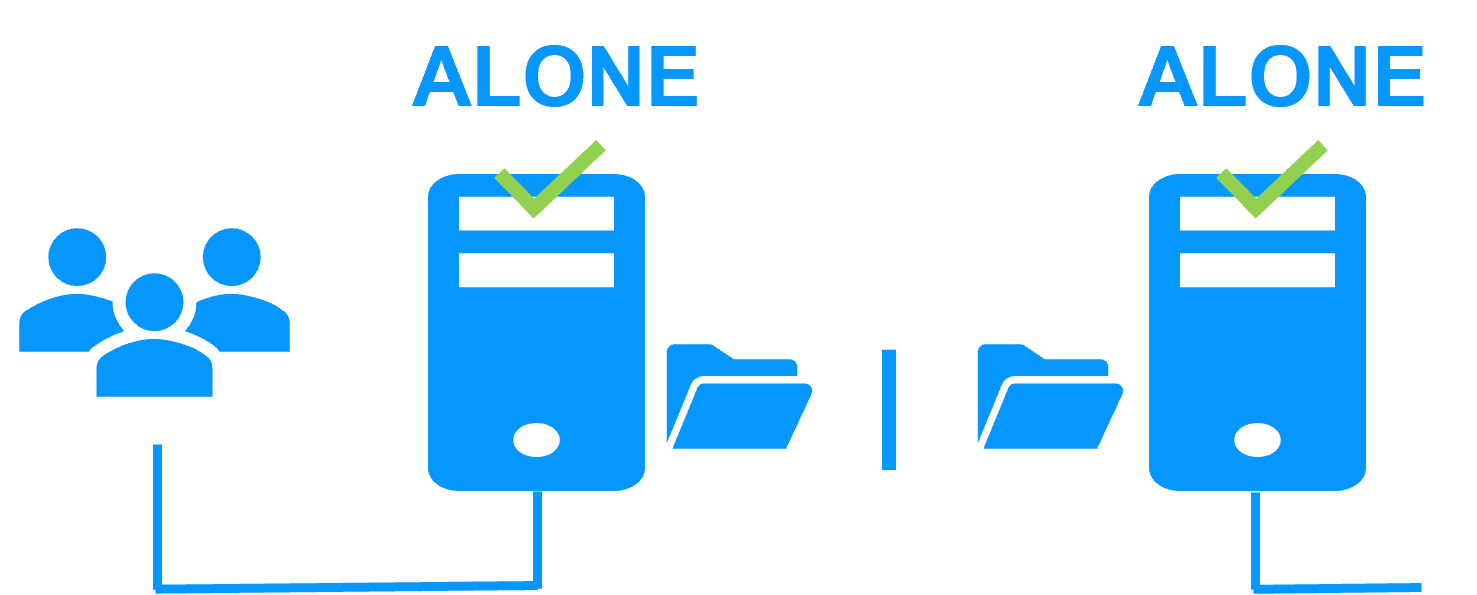
A single network

When there is a network isolation, the default behavior is:

  • as heartbeats are lost for each node, each node goes to ALONE and runs the application with its virtual IP address (double execution of the application modifying its local data),
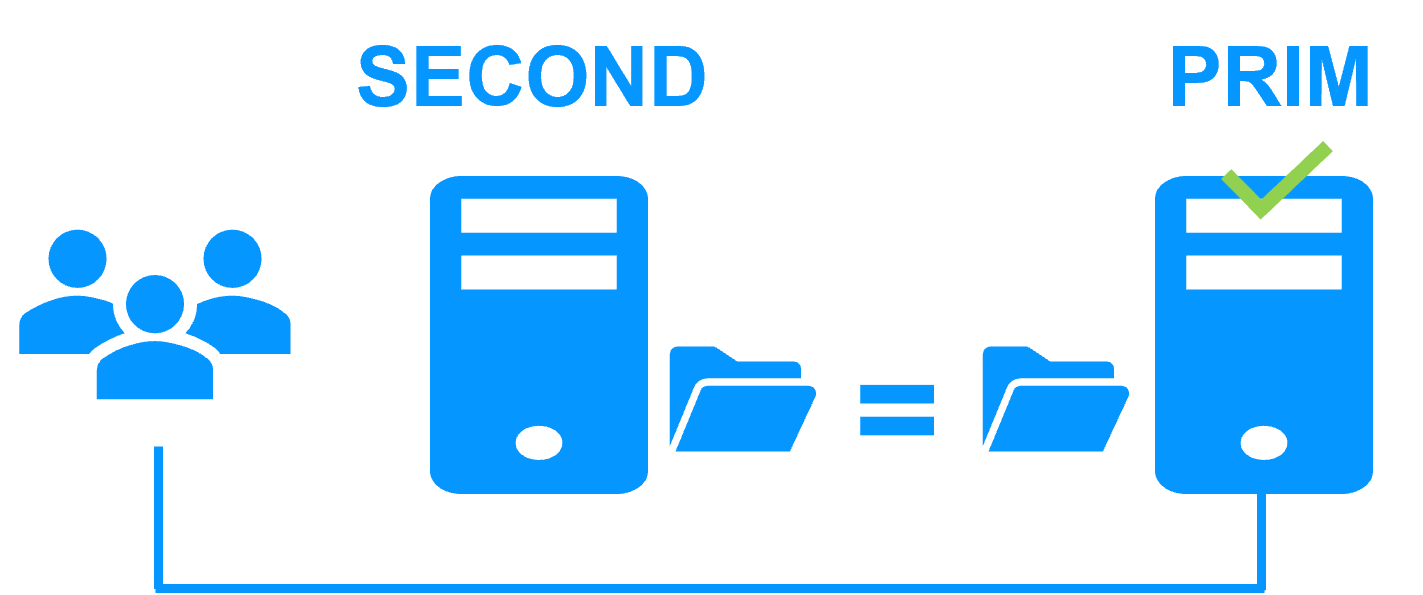
  • when the isolation is repaired, one ALONE node is forced to stop and to resynchronize its data from the other node,
  • at the end the cluster is PRIM-SECOND (or SECOND-PRIM according the duplicate virtual IP address detection made by Windows).

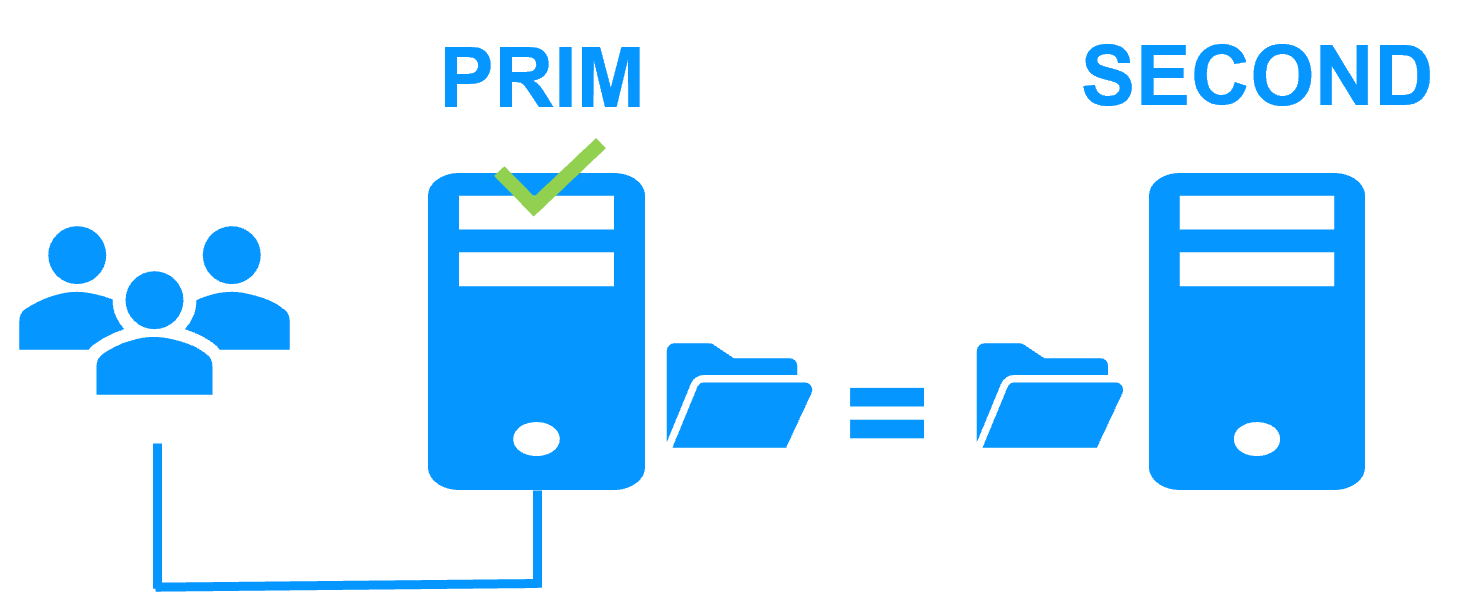
Two networks with a dedicated replication network

When there is a network isolation, the behavior with a dedicated replication network is:

  • a dedicated replication network is implemented on a private network,
  • heartbeats on the production network are lost (isolated network),
  • heartbeats on the replication network are working (not isolated network),
  • the cluster stays in PRIM/SECOND state.

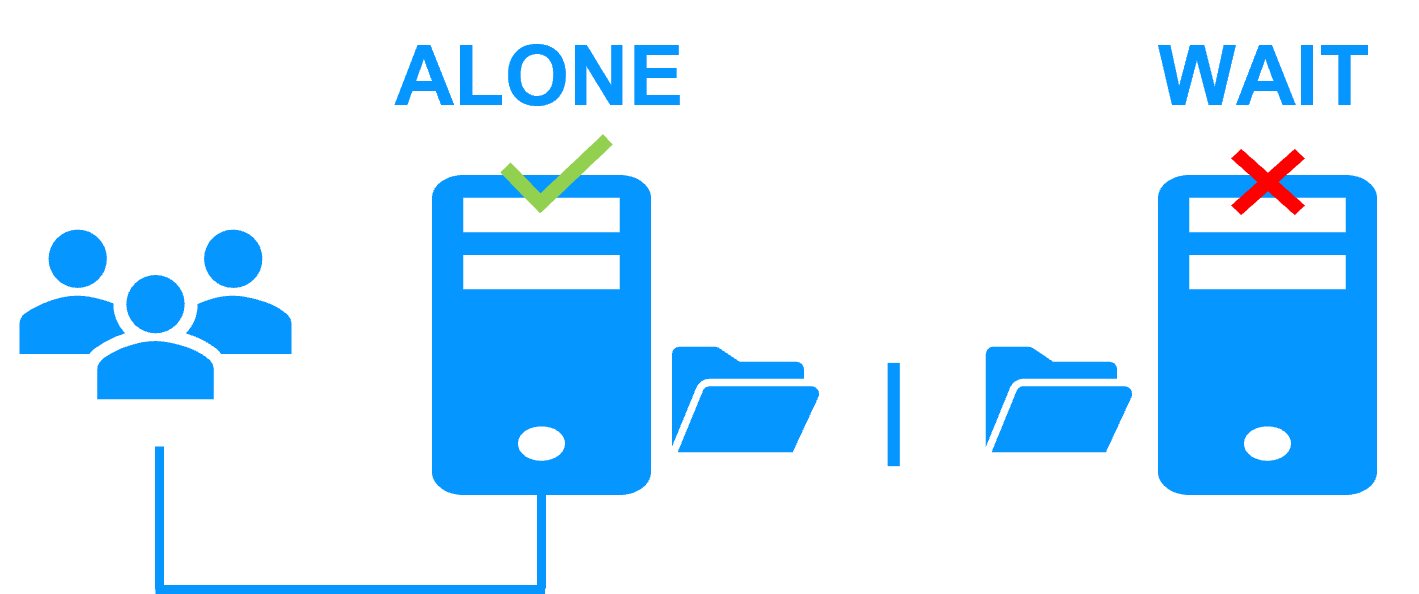
A single network and a splitbrain checker

When there is a network isolation, the behavior with a split-brain checker is:

  • a split-brain checker has been configured with the IP address of a witness (typically a router),
  • the split-brain checker operates when a server goes from PRIM to ALONE or from SECOND to ALONE,
  • in case of network isolation, before going to ALONE, both nodes test the IP address,
  • the node which can access the IP address goes to ALONE, the other one goes to WAIT,
  • when the isolation is repaired, the WAIT node resynchronizes its data and becomes SECOND.

Note: If the witness is down or disconnected, both nodes go to WAIT and the application is no more running. That's why you must choose a robust witness like a router.

What are the different scenarios in case of power outage in a cluster?

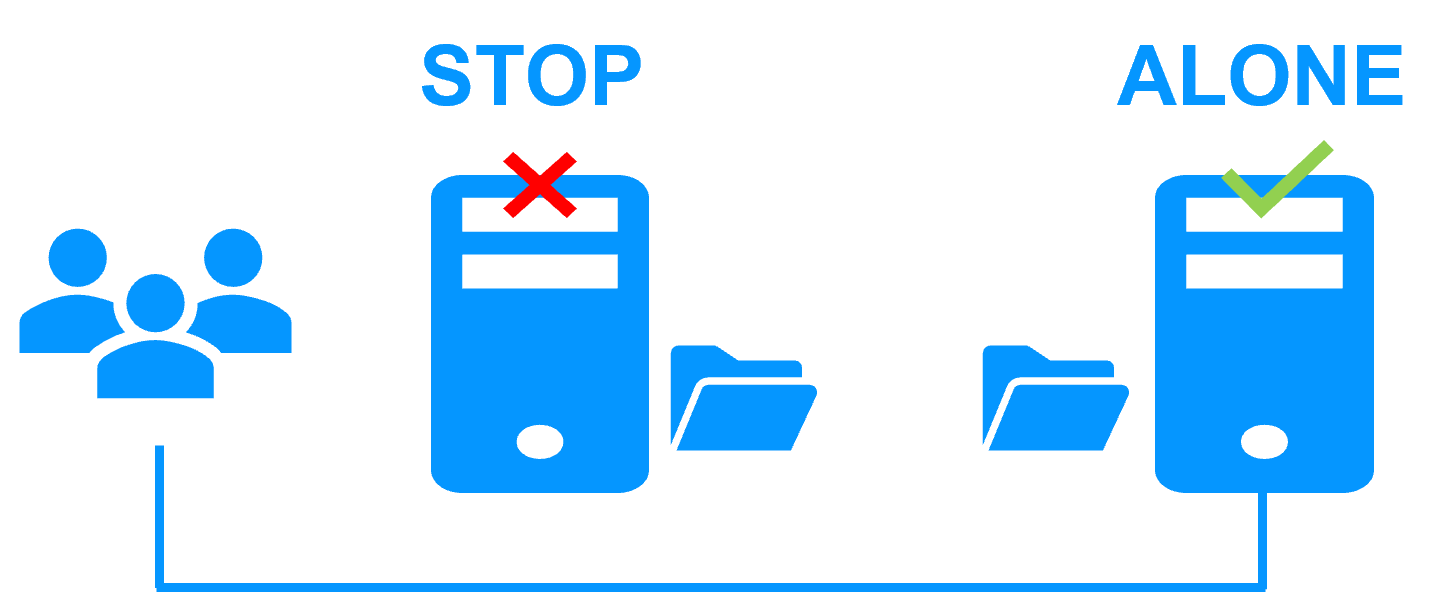
Primary node power outage

When a power outage stops only the primary node:

  • there is an automatic failover on the secondary node, which becomes ALONE and restarts the application,
  • when node 1 is rebooted, it becomes SEDOND after resynchronization of replicated data,
  • the roles of primary and secondary can be swapped by an adminsitrator if needed.

Secondary node power outage

When a power outage stops only the secondary node:

  • there is no failover, the primary becomes ALONE and the application continues its execution on node 1,
  • when node 2 is rebooted, it becomes SEDOND after resynchronization of replicated data.

General power outage - case 1

When a power outage stops both nodes, the default behavior is:

  • both nodes goes to STOP,
  • when node 1 is rebooted, it does not go into ALONE state and does not restart the application because it doesn't know if it has the up-to-date data. So it goes to the WAIT state waiting for the restart of the other node,
  • when node 2 is rebooted, both nodes return to their previous PRIM/SECOND states.

General power outage - case 2

When a power outage stops both nodes, the behavior with syncdelta is :

  • syncdelta is set for example to 10 minutes in the configuration meaning that start of a node is accepted even if its data is 10 minutes behind the last sync,
  • when node 1 is rebooted, it goes to ALONE and restarts the application assuming that the restart is done within 10 minutes after the power failure,
  • when node 2 is rebooted, it becomes SECOND after resynchronization of replicated data,
  • Note: if node 2 is rebooted the first, then it becomes ALONE and node 1 will become SECOND at its start.

🔍 SafeKit High Availability Navigation Hub

Explore SafeKit: Features, technical videos, documentation, and free trial
Resource Type Description Direct Link
Key Features Why Choose SafeKit for Simple and Cost-Effective High Availability? See Why Choose SafeKit for High Availability
Deployment Model All-in-One SANless HA: Shared-Nothing Software Clustering See SafeKit All-in-One SANless HA
Partners SafeKit: The Benchmark in High Availability for Partners See Why SafeKit Is the HA Benchmark for Partners
Use Cases Explore How SafeKit Ensures the High Availability of Critical Infrastructure See All Use Cases
HA Strategies SafeKit: Infrastructure (VM) vs. Application-Level High Availability See SafeKit HA & Redundancy: VM vs. Application Level
Technical Specifications Technical Limitations for SafeKit Clustering See SafeKit High Availability Limitations
Proof of Concept SafeKit: High Availability Configuration & Failover Demos See SafeKit Failover Tutorials
Architecture How the SafeKit Mirror Cluster works (Real-Time Replication & Failover) See SafeKit Mirror Cluster: Real-Time Replication & Failover
Architecture How the SafeKit Farm Cluster works (Network Load Balancing & Failover) See SafeKit Farm Cluster: Network Load Balancing & Failover
Competitive Advantages Comparison: SafeKit vs. Traditional High Availability (HA) Clusters See SafeKit vs. Traditional HA Cluster Comparison
Technical Resources SafeKit High Availability: Documentation, Downloads & Trial See SafeKit HA Free Trial & Technical Documentation
Pre-configured Solutions SafeKit Application Module Library: Ready-to-Use HA Solutions See SafeKit High Availability Application Modules